



Main Features of BC.Game Crash Online Login
The login area sits at the top of the page. A single button opens the form. Inside: credential fields, alternative login options, and links for account recovery and new registration.
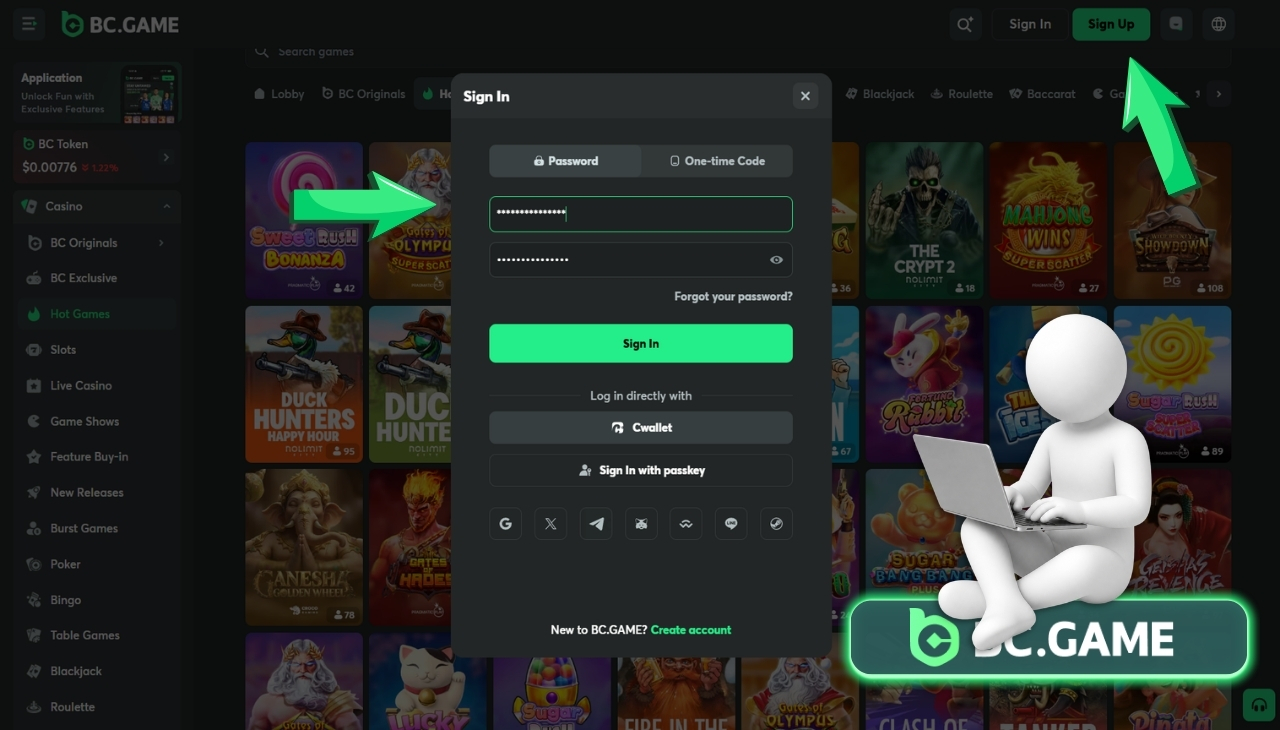
Overview of Sign In and Forgot Password
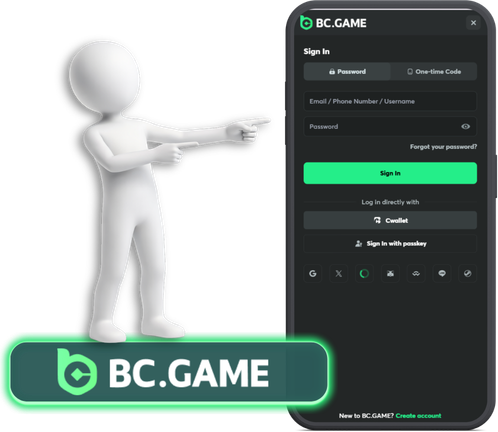
The sign-in form takes an email or phone number and a password. Social login icons sit below the fields — tap one and the platform authenticates through that service instead. Wallet-based login skips credentials entirely. The wallet handles the verification.
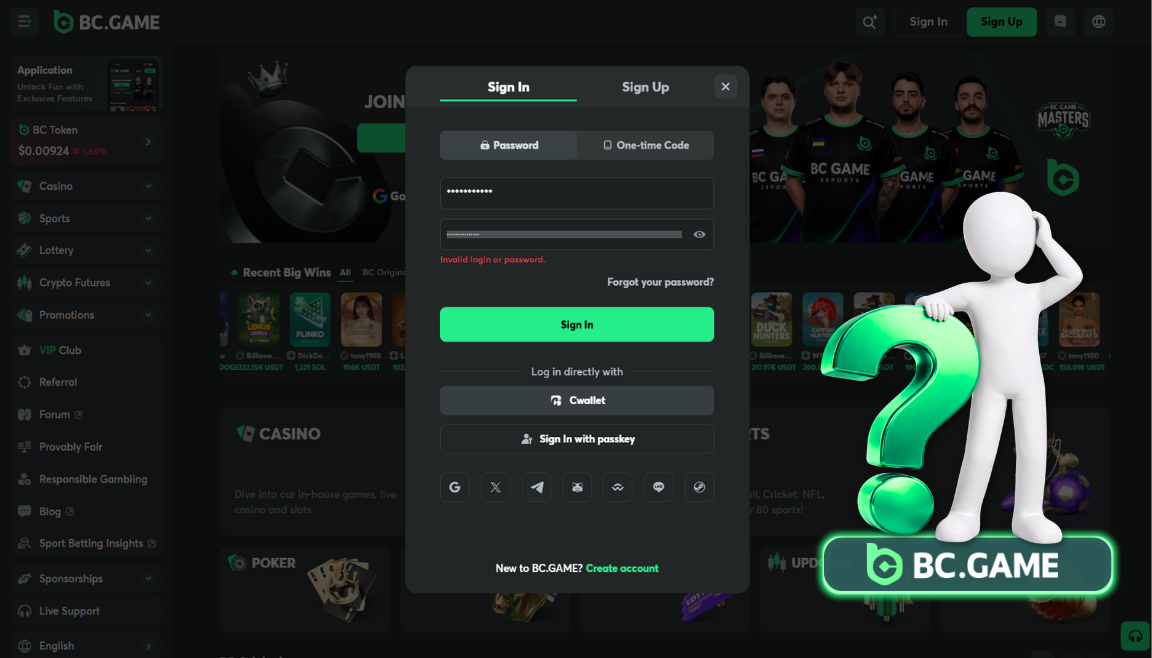
The Forgot Password link sits near the credential fields. It opens a recovery flow that sends a reset code to the email on file. The catch that trips people up: the email address has to match exactly. An old address that was changed six months ago won’t work. A typo sends the code into empty space. Getting this right on the first attempt saves a round trip through support.
After the password resets, 2FA may need reconnecting if it was disrupted during the process. Players who skip this step and discover the gap three days later — when they try to withdraw — face a second recovery round that could have been avoided.
Account Registration Guidelines
New accounts start on the registration page, accessible from the login form.
Account Creation Warning
The platform’s terms set the entry conditions. 18 or older. Agreement to the full terms of service — not the abbreviated version, the actual document. One account per person. Creating a second account to grab a welcome bonus twice, or to sidestep a restriction on the first one, puts both accounts at risk of permanent closure.
- Regional access matters from day one. BC.Game blocks certain countries. An account created using a VPN to mask a restricted location may work initially. It tends to fail during the first withdrawal request, when the platform’s verification process compares the account’s stated location with the actual one. The result: frozen funds and a support ticket that doesn’t resolve quickly.
- Registration asks for an email, a password, and in some cases a referral code. The email becomes the account’s identity anchor — password resets, verification messages, and security alerts all route through it. Using a throwaway address that might get abandoned later creates a recovery problem down the line.
- KYC popping up mid-session. The platform decided to ask for verification. This can happen after a withdrawal request, after a balance crosses a threshold, or at random intervals the platform deems appropriate. Completing the verification clears the block. Postponing it means certain actions stay locked.
Troubleshooting BC.Game Crash Login Problems
Login refused. The password was wrong — most likely a typo or an autocomplete entry from before the last password change. Retype it slowly. Watch the characters. If the account locks after a few failed tries, wait fifteen minutes and try once more.
2FA code not accepted. The code on the authenticator screen already cycled to the next one by the time it was pasted into the form. Switch to the authenticator, grab the freshest code, and type it directly rather than copying. Saves a few seconds that matter when the digits change every thirty.
Page loads but nothing happens after clicking Sign In. A browser extension is likely interfering. Try incognito mode — it disables all extensions by default. If login works there, one of the extensions in the regular browser is the culprit.
Crash won’t open after login. The account works. The platform loads. But the game section is blank or throws an error. The game might be under a temporary update. The account might have a regional flag that blocks specific originals. Two separate issues wearing the same mask — the account is fine, the game access isn’t.
Enhancing Account Security
- A player who lost access to a BC.Game account in February learned why security matters in January. The password was the same one used for an email account that got breached in a data leak. The attacker found the BC.Game login through the email’s sent folder — a password reset confirmation from months earlier. The crypto balance was gone within an hour.
- Separate password for this account. Not a variation. Not the same base with a different number. Completely separate. A password manager fills it in automatically. The player never types it. The manager only fills on the correct domain — if it doesn’t auto-fill on a page that looks like BC.Game, the page is a fake.
- 2FA turned on from the first session. Six digits that change every half minute. Without them, a leaked password is enough to drain the account. With them, the leaked password opens nothing. The phone has to be in the attacker’s hand too. Both at once is a much harder theft.
- The backup key from 2FA setup should sit somewhere the phone can’t destroy. The phone itself breaks, gets stolen, gets dropped — the authenticator app goes with it. That backup key, stored on paper or in a manager on another device, skips the lengthy support recovery.
Account Activity Monitoring for BC.Game Crash Online Login
The account settings page has a session log. Each entry shows a login event — when it happened, what kind of device was used, what region the connection came from.
A player who lives in Lagos and sees a login entry from Johannesburg has a problem. That entry means someone else got in. Immediate steps: change the password. End all active sessions (the settings page usually has a button for that). Reach out to support and report the unauthorized access.
Checking this log once a week turns a potential disaster into a caught-early situation. A compromised account discovered on day one looks very different from one discovered on day thirty.
Withdrawal alerts, if the platform offers them through email, serve the same purpose from a different angle. A withdrawal the account owner didn’t initiate shows up as an email. That email is the alarm. Acting on it within minutes — not hours, not tomorrow — can be the difference between losing a fraction of the balance and losing all of it.
Responsible Gaming Practices

Crash rounds take seconds. The multiplier starts at 1x. It climbs. The plane flies away at a random point. Bets that weren’t cashed out before that moment are gone. The entire cycle from bet to result is fast enough that twenty rounds can pass before the player looks at the clock.
That speed makes it easy to overshoot a budget. A session that was supposed to cost $20 reaches $50 because the rounds came and went without a natural pause. Trenball bets and automated scripts — both available in BC.Game’s Crash — add more action per minute without adding more thinking time.
Deposit limits set in the account settings cap how much money can go in per day or week. Session reminders interrupt play after a set period. Self-exclusion locks the account entirely for a chosen duration. These tools live in the settings and take a couple of minutes to configure.
The time to set them is during the first bc game crash online login, before the first round. Not during a session, when the multiplier just hit 15x and the next round feels like it could do the same. Decisions about limits belong in calm moments, not heated ones.
If a player finds themselves logging in specifically to recover money lost in a previous session — not because the game sounds fun, but because the balance needs to get back to where it was — that’s the signal to step back. Not for a round. For a break measured in days.
Additional Support Resources
The platform’s own support channel handles account-level issues. Locked accounts. Missing funds. KYC questions. 2FA recovery. Withdrawal holds. The help section or live chat inside the platform is where these conversations start.
For gambling-related concerns — spending that feels out of control, sessions that keep extending, difficulty stopping — external support exists independently of the platform. Organizations focused on gambling harm operate helplines and online counselling in many countries. A web search for gambling support in the player’s region pulls up current options.
The platform’s responsible gaming page, if one exists, may link directly to relevant support resources. Checking that page once — during the first crash game login or shortly after — puts the information within reach before it’s needed.